Calendars
Create calendars in Kurrier and sync them with your devices using CalDAV.
Calendars
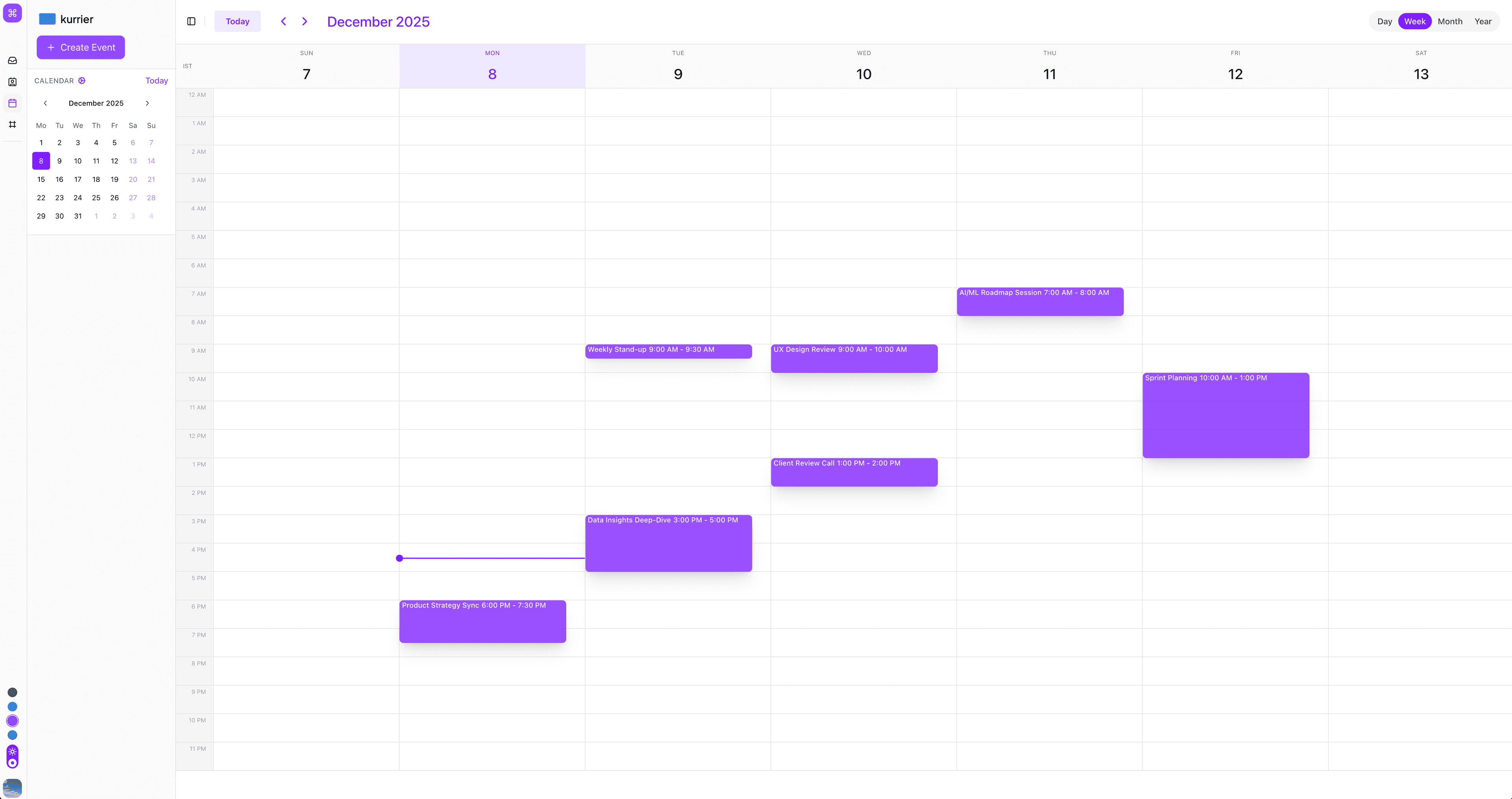
Kurrier brings your calendars, email, and contacts together in one workspace. You can manage events in the Kurrier web app and use CalDAV to keep compatible calendar apps in sync.
Calendar access and available features may depend on your workspace configuration and plan.
Use the calendar in Kurrier
From the Calendar section, you can:
- View upcoming events
- Create and edit events
- Add guests
- Work with time zones
- Open calendar invitations received by email
- Track attendee responses
Kurrier connects related mail, contact, and calendar information so that invitations and attendee details are easier to manage from one place.
Sync another calendar app
Kurrier supports the CalDAV standard. This lets you use your Kurrier calendar with compatible applications, including:
- Apple Calendar on iPhone, iPad, and macOS
- Thunderbird
- Android calendar apps through a CalDAV client such as DAVx⁵
- Other applications with CalDAV support
To find your connection details:
- Open Settings → Sync Services in Kurrier.
- Select Calendars.
- Copy the server address and credentials shown there.
- Add a new CalDAV account in your calendar application.
The exact field names differ between applications. If your app asks for a server URL, username, and password, use the values shown by Kurrier.
Treat sync credentials like a password. Do not share them or reuse them for another service.
Invitations and responses
When an email contains a supported calendar invitation, Kurrier can connect it with your calendar. Depending on the invitation, you can review the event and respond as Accept, Decline, or Tentative.
Responses and later event updates remain associated with the original event, helping you follow changes from your inbox or calendar.
Time zones
Kurrier stores event timing in a portable format and displays it in the relevant time zone. Before saving an event, check the selected time zone—especially when inviting people in other locations.
Troubleshooting
Events are not appearing immediately
Some calendar applications sync on a schedule rather than instantly. Refresh the calendar or check the application's account-sync settings.
The calendar app cannot connect
Confirm that you copied the current CalDAV details from Settings → Sync Services. Re-enter the credentials carefully and make sure the application is configured for CalDAV.
An invitation is not linked to the calendar
The message must contain a valid calendar invitation. You can still use the event details in the email to create an event manually.
If the problem continues, contact Kurrier Support and include the application and operating system you are using.