Message Inspector
Review the rendered content, source, headers, and raw MIME of an email.
Message Inspector
Message Inspector lets you look beyond the normal rendered view of an email. It is useful when diagnosing formatting, routing, attachment, or deliverability problems without leaving Kurrier.
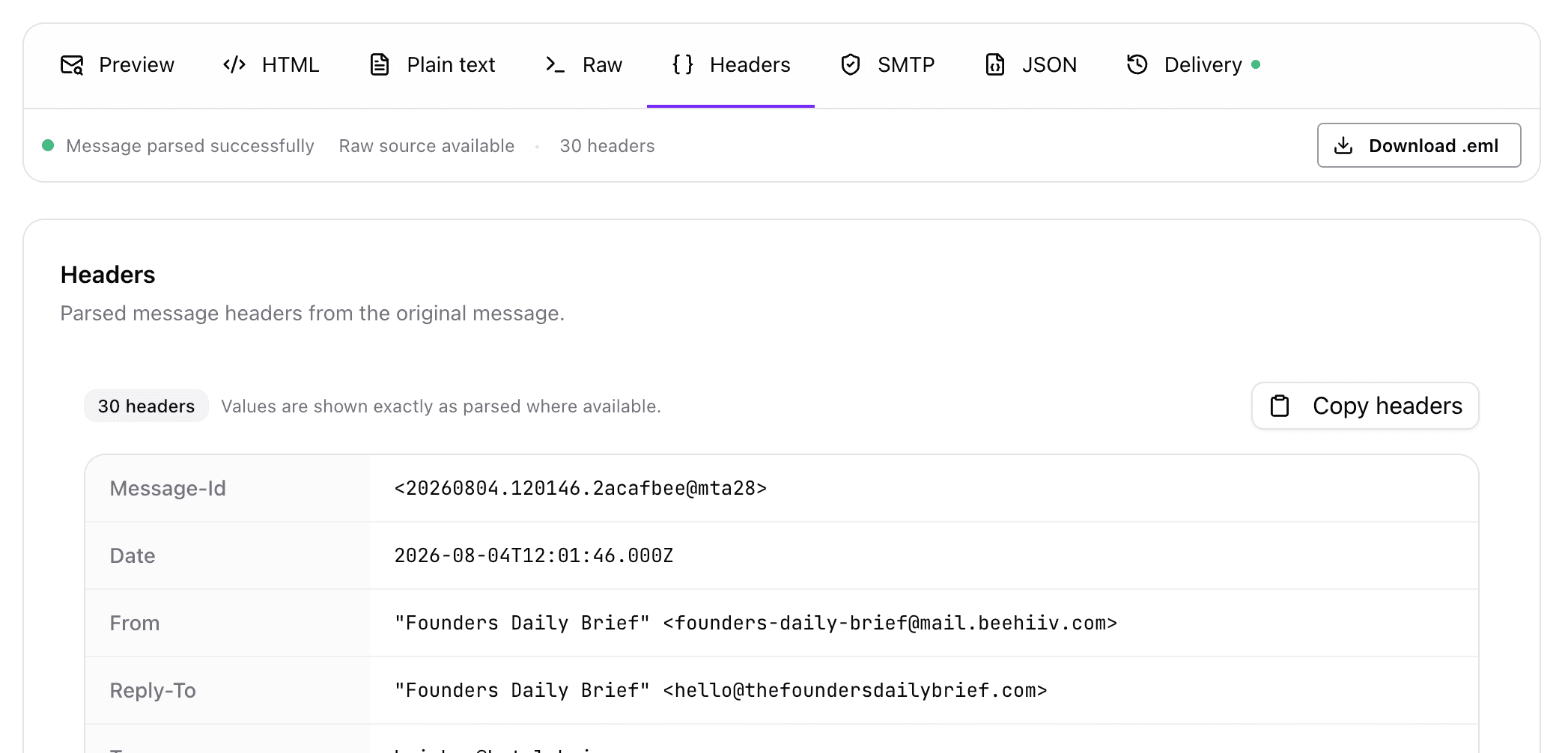
To open it, select a message and choose the inspector option from the message actions.
The available inspector tabs may vary according to the message and your workspace configuration.
Preview
Preview displays the rendered email. Use it to review layout, images, links, buttons, typography, and the overall appearance of a message.
HTML
HTML displays the message's HTML body. This can help you:
- Diagnose formatting problems
- Review generated markup
- Identify broken links or image references
- Copy the HTML for further testing
HTML shown here comes from the message itself. Be careful when copying or reusing code from an untrusted sender.
Plain text
Plain text displays the text-only alternative included with the message. Reviewing it is useful for accessibility, compatibility, and messages viewed in clients that do not render HTML.
Not every email includes a separate plain-text part.
Headers
Headers presents message metadata in a readable form. Depending on the email, this may include:
- From, To, Cc, and Reply-To
- Subject and date
- Message-ID
- MIME and content information
- Mail client details
- Received headers showing the delivery path
Headers are especially useful when investigating unexpected senders, replies, routing, or delivery behavior.
Raw MIME
Raw MIME shows the original RFC 822 message source, including MIME boundaries, multipart structure, content types, encodings, headers, and attachment declarations.
This view is intended for advanced troubleshooting. It may contain encoded content and technical information that is not shown in the normal message view.
Download the original email
You can download the original message as an .eml file. The file preserves the available headers, content parts, attachments, and MIME structure and can be opened by many desktop email clients.
An exported email can contain personal information, internal routing details, and attachments. Store and share it carefully.
When contacting support
If Kurrier Support asks for diagnostic information, send only the specific details requested. An .eml file or raw headers may contain sensitive information, so remove unrelated personal data when possible and use the support channel recommended by Kurrier.